Do we actually need docker desktop?
A no-nonsense dive into why Docker Desktop might be dead weight on your Mac/Linux setup and how Colima gives you a fast, minimal, and resource-efficient container runtimes without the licensing baggage.
Do you Actually Need docker desktop?
For years, Docker Desktop was the uncontested default. But as local workflows evolved, it became an entire ecosystem of background processes, telemetry, auto-updaters, orchestrators, and VMs (sometimes). But a HUGE electron app chewing through RAM and battery life is actually a hassle.
Unless you strictly rely on visual dashboard management or enterprise-bundled Kubernetes configurations, running a massive VM stack just to test local services is overkill.
Enter the era of Colima
Colima strips away the bloat. It runs container runtimes on macOS and Linux with minimal setup, leveraging optimised Lima Virtual machines under the hood. Instead of fighting resource limits, Colima gives you direct hypervisor access and complete control over the daemon from your terminal
What makes Colima different is its support for multiple container runtimes, such as containerd, Docker and Incus. You can install any runtime as you like.
Paradigm Difference of Colima
While both Docker Desktop and Colima provision local container environments, their system footprint couldn’t be more different. Docker Desktop bundles an Electron GUI, background daemons, and enterprise tooling into a managed VM.
Colima on the other hand strips away the graphical interface entirely, utlizing minimal Lima VMs to deliver raw container execution straight to your CLI.
Actually, there is no purpose of having GUIs for visualizing in Agentic AI era
Mac Installtion of Colima (assuming you have home brew installed)
brew install colimaLinux users can also install Colima with there guide : Link
Stark differences
Docker Desktop | Colima | |
|---|---|---|
Interface | Full GUI + CLI | Minimalist CLI |
Idle resource footprint | ~4-5GB RAM baseline | ~2-3 GB RAM baseline |
Cold Startup Time | Almost 30 seconds with engine startup | 15-20 seconds startup time |
Licensing | Freemium | Open Source |
Engine under the hood | Heavy custom VM + GUI background + daemons | Lightweight Lima VM + Direct Socket Access |
colima start example which starts the docker runtime but you can see than running the docker desktop. (This creates the socket which makes it able to connect with docker cli)
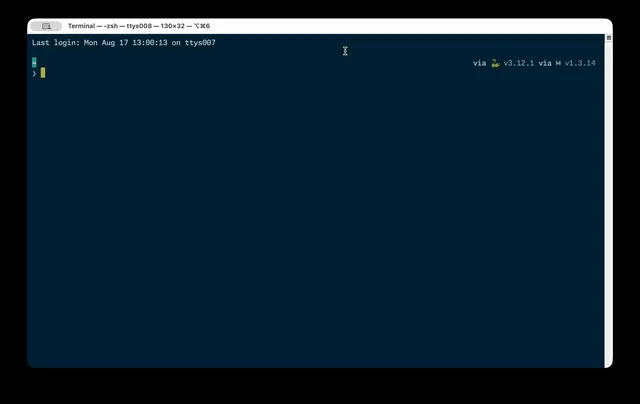
Memory usage of Colima VM

For addtional installation and migration documentation you can refer official Colima documentation which comprises of a comprehensive guide. : Link